
Firefox add-on · free & open source
Save any recipe to your KitchenOwl, in one click
A small Firefox extension that clips the recipe on the page you’re viewing straight into your self-hosted KitchenOwl. Log in once — then it’s one click on any recipe page.
How it works
- 1
Log in once
Enter your KitchenOwl server address and sign in. The extension stores a long-lived token locally, so you stay logged in across restarts. Your password is never stored.
- 2
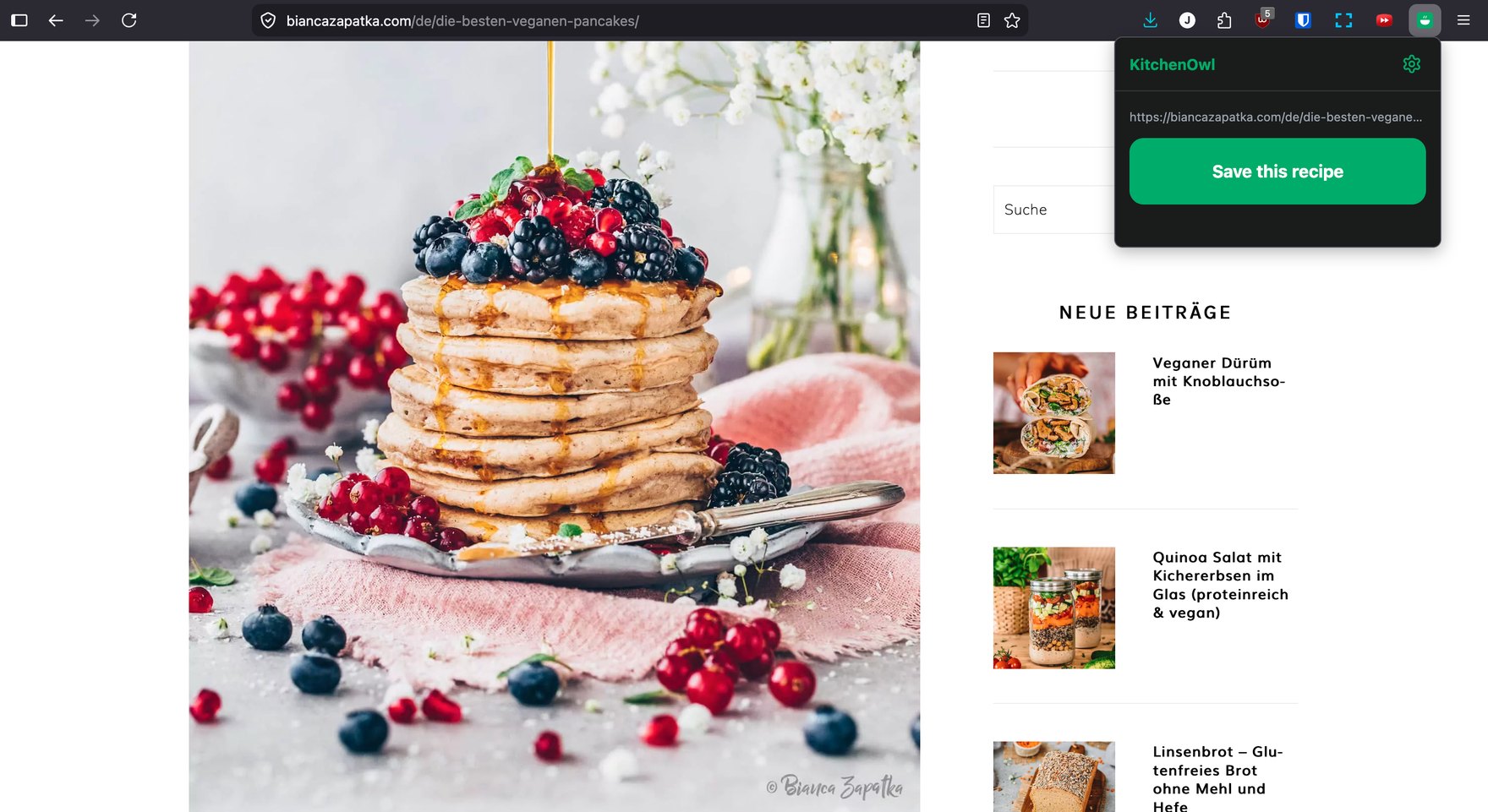
Click “Save this recipe”
On any recipe page, open the toolbar button and hit save. No copy-pasting URLs, no leaving the page.
- 3
Review in KitchenOwl
KitchenOwl’s own scraper opens with the recipe already parsed — it matches ingredients to items you already have, and you confirm before saving. Nothing gets dropped or mangled.
Set it up once
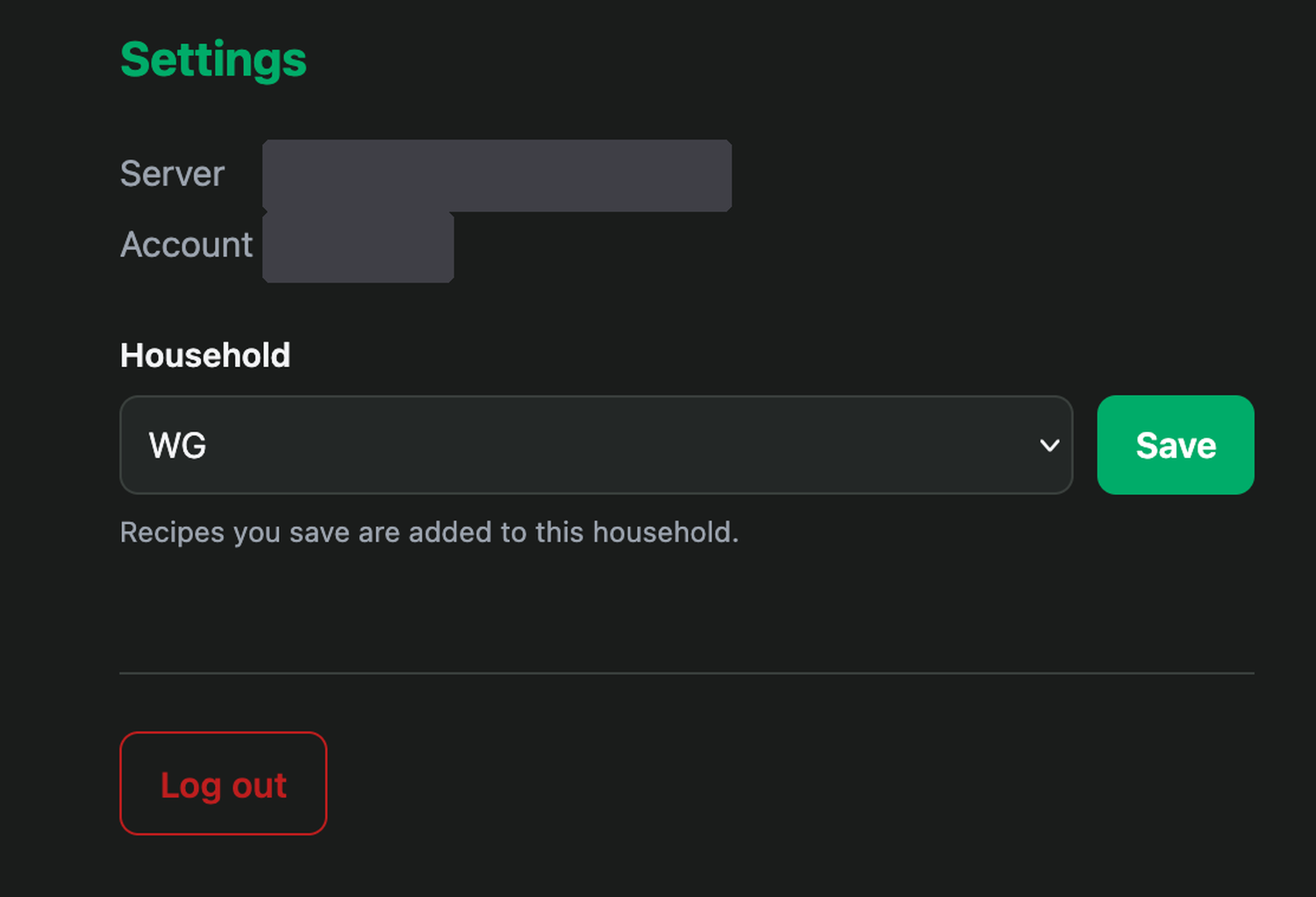
Point it at your KitchenOwl server, sign in, and pick the household your recipes should land in. That’s the whole setup — from then on it’s just the toolbar button on any recipe page.
Built for real self-hosting
Works on your home network
Most people run KitchenOwl over plain http:// on their LAN. Firefox normally forces those requests to HTTPS and breaks them — this handles it for you. No about:config, no HTTPS-Only exceptions.
Nothing in the middle
The extension only ever contacts the one server address you configure. No analytics, no telemetry, no third-party servers.
Your data stays in your browser
Your server address and access token live only in this browser’s local storage, and are sent only to your own server.
Why I built it
I self-host KitchenOwl for my flat’s shared shopping list, and I kept hitting the same friction: find a recipe, then retype or copy-paste it across. I wanted one button. The catch is that Firefox force-upgrades extension requests to HTTPS, which breaks against the plain-HTTP servers most people run at home — so the naive “just fetch it” approach falls over on a home network. Handling that cleanly is most of what this extension is. It’s free and open source; if it saves you the same copy-paste dance, that’s the whole point.
— Johannes
Unofficial — not affiliated with, endorsed by, or supported by the KitchenOwl project. It talks to KitchenOwl’s own HTTP API from your browser; nothing is proxied through any third-party server.